Jira knows when every sprint starts and ends, and shows it on the board, in the backlog and in the reports, but not where people want it. JQL cannot compare a sprint's dates, and the Sprint column in a filter shows the sprint's name only. JRACLOUD-72007, "Allow sprint start and end dates to be searched by JQL and displayed as columns in filters", has been open since May 2019 with more than 1,300 votes. The questions behind it are ordinary ones: every story in sprints that started this quarter, what is still open in the sprints that end this week, an export for a spreadsheet or Power BI with the dates next to each issue. Here are the ways to get there today, what each can and cannot do, and when each is enough. Disclosure up front: I am building the last one.
Native JQL has three sprint functions and the sprint's name or ID: sprint in openSprints(), sprint in closedSprints(), sprint in futureSprints(), and sprint in ("Sprint 41", "Sprint 42"). They answer "now, past or future" and they combine well; sprint in closedSprints() AND sprint in openSprints(), for example, lists what has carried from a closed sprint into the current one.
What they cannot do is compare a date. "Sprints that started this quarter" becomes a list of sprint names you maintain by hand, "ends this week" has no answer at all, and nothing puts a date in a column or an export. If your sprints follow a naming convention, the names are often enough; if they do not, this is where the free route ends.
A workaround that comes up again and again on the Community: two date fields and a rule that fills them.
{{issue.sprint.last.startDate.jiraDate}} and {{issue.sprint.last.endDate.jiraDate}}. Atlassian's own knowledge base uses .last so that an issue that has been in several sprints gets the latest one."Sprint start date" >= startOfMonth(-3), and the fields work as columns.It works for issues that move from the day the rule exists, and it costs nothing but setup. The limits: it is not retroactive (issues that do not move keep empty fields unless you run a backfill rule over them, and every issue is a rule run); a sprint whose dates are edited later leaves its issues with the old dates, because automation has triggers for a sprint being created, started or completed but none for a sprint being edited; the "end" is the planned end, so a sprint completed early or late needs a third field from {{issue.sprint.last.completeDate}} and another rule; and every run counts against the site's monthly automation allowance (100 runs a month on Free, 1,700 site-wide on Standard, 1,000 per user on Premium at the time of writing).
Sprint Organizer (Apps Dynamic) is a Forge app with the Runs on Atlassian badge whose listing describes custom JQL fields for the sprint's name, state, goal, dates and board, closed sprints and sprint history. If what you want is the sprint's own attributes as fields, including the goal, it is aimed squarely at this question. Check its listing for the price and for how it treats sprints that closed before it was installed.
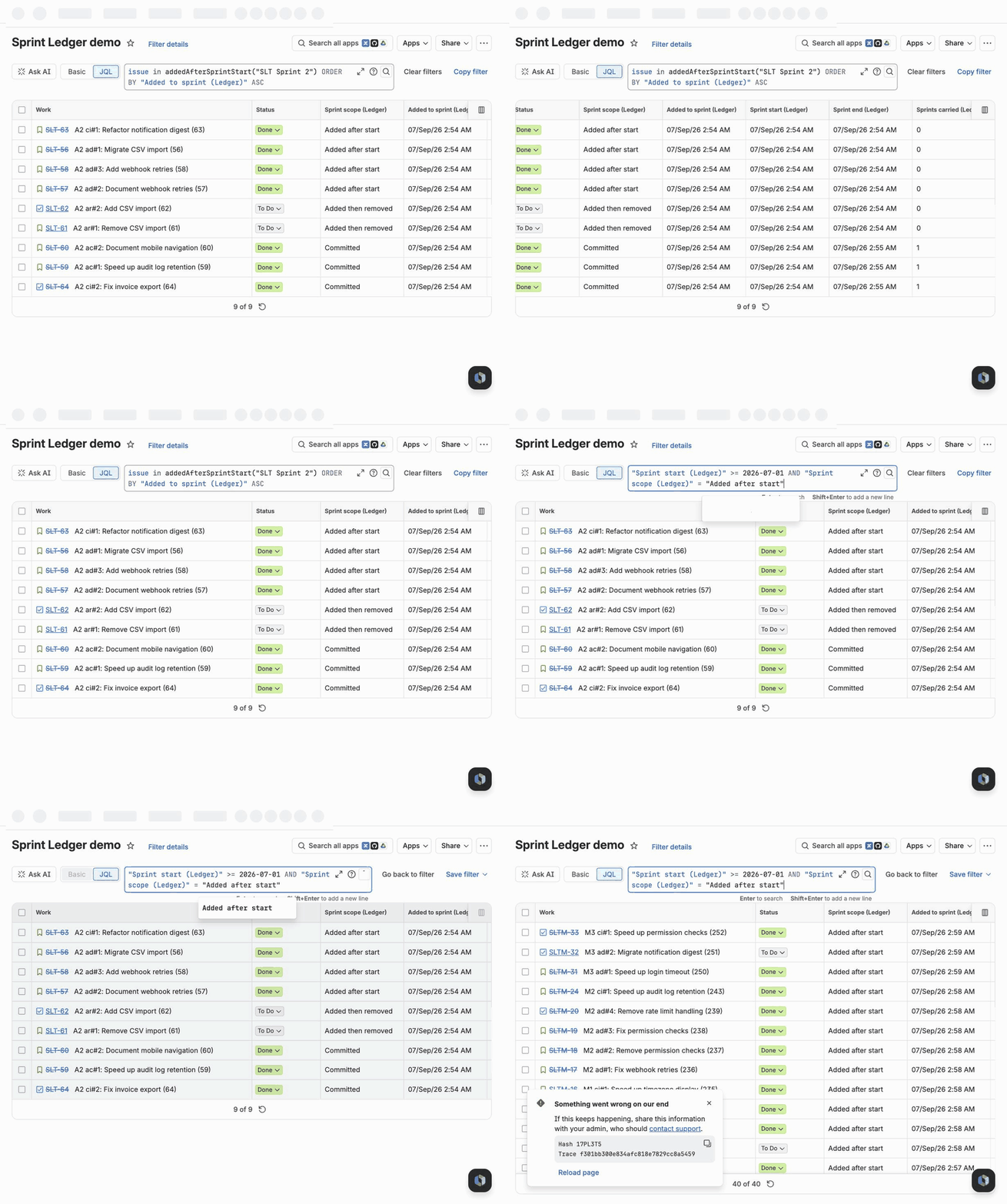
Sprint Ledger is a Forge app that reconstructs every sprint's history from the changelog and keeps it current from Jira's events. Among its ten read-only fields are three for dates:
All three work in JQL, sort, and show as columns and in anything that reads fields:
"Sprint start (Ledger)" >= startOfMonth(-3) ORDER BY "Sprint start (Ledger)" DESC: every issue whose latest sprint started in the last three months.sprint in openSprints() AND "Sprint planned end (Ledger)" <= endOfWeek() AND statusCategory != Done: unfinished work in the sprints planned to end this week."Sprint completed (Ledger)" < now() AND statusCategory != Done: unfinished issues whose last sprint is already over.The values are filled for the site's whole sprint history when the app is installed, without a rule run per issue, and a date edited on a running or closed sprint reaches its issues' fields within seconds, from Jira's own sprint event. The fields describe the issue's latest sprint, so a story that rolled over shows the newer sprint's dates, and the rest of the history is in the other fields and the JQL functions (committedTo, addedAfterSprintStart, removedFromSprint, completedIn, carriedOverFrom, carriedOver(n)). It runs entirely inside Atlassian's infrastructure. It is on the Atlassian Marketplace, priced at about $50 a month for a 100-user site and free for sites with up to 10 users.
| Sprint functions | Automation into date fields | Sprint Organizer | Sprint Ledger | |
|---|---|---|---|---|
| Filter by a date range | no, by sprint name | yes | yes | yes |
| Dates as columns and in exports | no | yes | yes | yes |
| Issues from past sprints | yes, by name | only after a backfill run | see the listing | yes |
| Follows a sprint whose dates are edited | does not apply | no | see the listing | yes |
| Completion date of a closed sprint | no | a third field and rule | see the listing | yes, in "Sprint completed" |
| Scope change: added, removed, carried over | carry-over only | no | not listed | yes |
| Cost for 100 users | free | free (rule runs) | see the listing | about $50 a month |
If your sprints are named well and you only filter by "current" or "past", the sprint functions are enough. If you need dates from now on and can maintain a rule, automation is enough. If the sprint's own attributes are what you want, look at Sprint Organizer. If you want the dates for the whole history, kept right when sprints change, next to what was committed, added, removed and carried, that is what Sprint Ledger is for, and I would like to hear where it is wrong: support@dyordanov.com.
Related: Four ways to find issues added after sprint start in Jira Cloud and How to find issues removed from a sprint in Jira Cloud.